

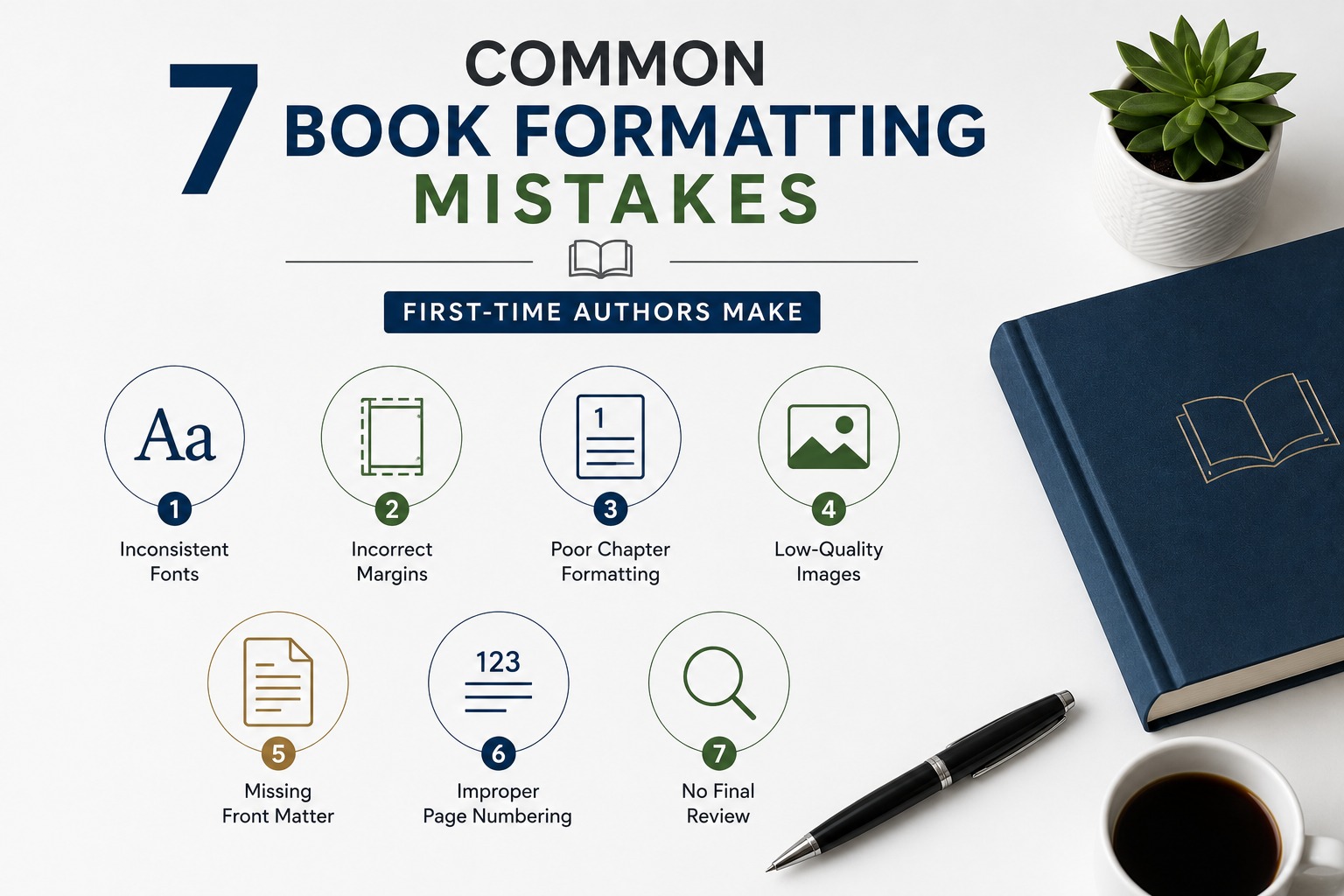
7 Common Book Formatting Mistakes First-Time Authors Make
Writing a book takes dedication, creativity, and countless hours of work. However, many first-time authors focus entirely on the writing process and overlook one critical step: professional formatting. A well-formatted book improves readability, creates a polished appearance, and helps ensure your manuscript meets publishing platform requirements.
Before publishing your book, watch out for these common formatting mistakes.
1. Inconsistent Fonts
Using multiple fonts throughout a manuscript can make your book look unprofessional. Stick to one or two fonts and use consistent sizes for chapter titles, headings, and body text.
Consistency helps readers stay focused on your content instead of the layout.
2. Incorrect Margins
Margins are one of the most overlooked formatting elements. Pages that are too narrow or too wide can make reading uncomfortable, especially in printed books.
Always choose margins based on your selected trim size and page count.
3. Poor Chapter Formatting
Every chapter should begin with a consistent layout.
Make sure your chapters include:
- Consistent heading styles
- Proper spacing
- Page breaks
- Uniform typography
A clean chapter layout creates a professional reading experience.
4. Low-Quality Images
If your book includes photographs or illustrations, make sure they are high resolution.
Images intended for print should generally be at least 300 DPI to ensure they appear sharp and clear.
5. Missing Front Matter
Many authors forget to include important pages before the main content.
Typical front matter includes:
- Title Page
- Copyright Page
- Table of Contents
- Dedication
- Preface or Introduction
These pages give your book a professional structure.
6. Improper Page Numbering
Page numbers should be placed consistently throughout the manuscript.
It’s also common practice for chapter opening pages to follow a different layout than regular pages.
Review your headers, footers, and page numbering before exporting your final PDF.
7. Exporting Without a Final Review
One of the biggest mistakes is publishing immediately after finishing the manuscript.
Before uploading your files:
- Review every page
- Check spacing
- Verify margins
- Confirm image placement
- Test hyperlinks (for eBooks)
- Export a print-ready PDF
- Preview your book before publishing
A final review helps catch small issues that can affect the quality of your finished book.
Final Thoughts
Book formatting is about much more than appearance. It ensures your manuscript is easy to read, professionally presented, and ready for publication.
By avoiding these common mistakes, you’ll improve the reading experience, reduce publishing issues, and present your work with confidence.
Need professional book formatting? I help authors prepare paperback, hardcover, and Kindle eBooks with clean, publication-ready layouts that meet Amazon KDP and other self-publishing platform requirements.